You are using an out of date browser. It may not display this or other websites correctly.
You should upgrade or use an alternative browser.
You should upgrade or use an alternative browser.
Curent pics, lets see em y'all!
- Thread starter BIG_Mark
- Start date


- City
- Landing
- State
- NJ
Survivor!!! 
- City
- Landing
- State
- NJ
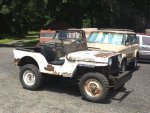
A rough flattie showed up

- City
- Dillsboro
- State
- IN
Parked off main st in beautiful downtown Zeeland, Mi this past friday.
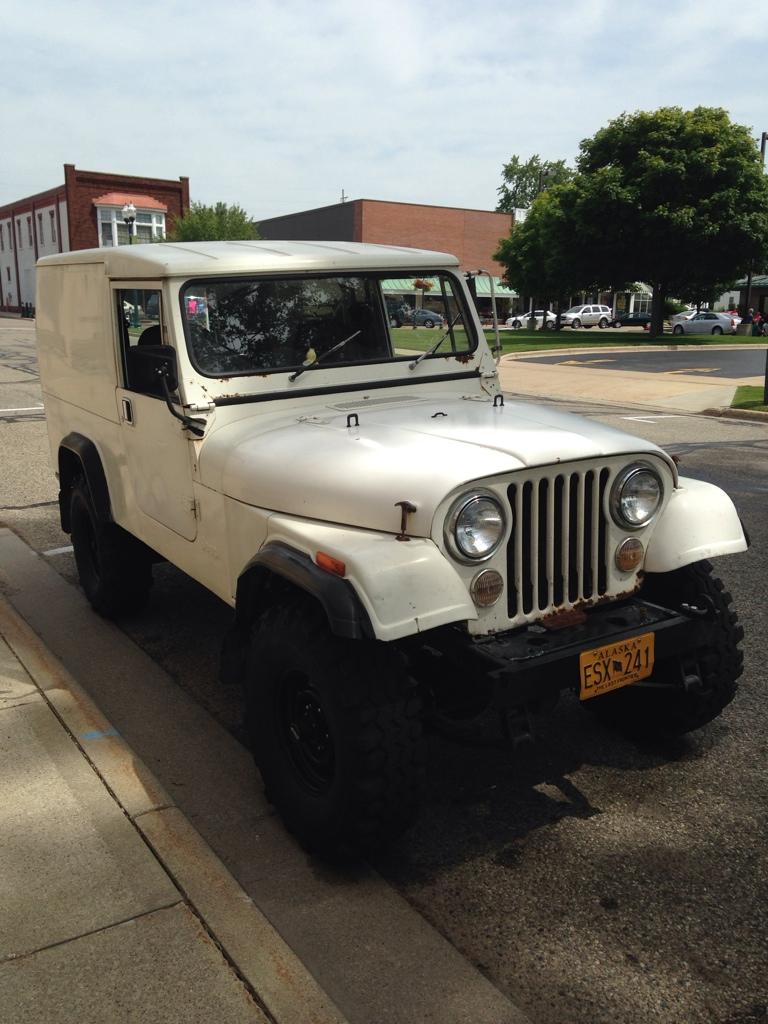
And it eats up the Sand Dunes here at Silver Lake! Super sharp Postal done "Just Right'


- City
- stafford
- State
- va
- City
- Landing
- State
- NJ
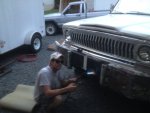

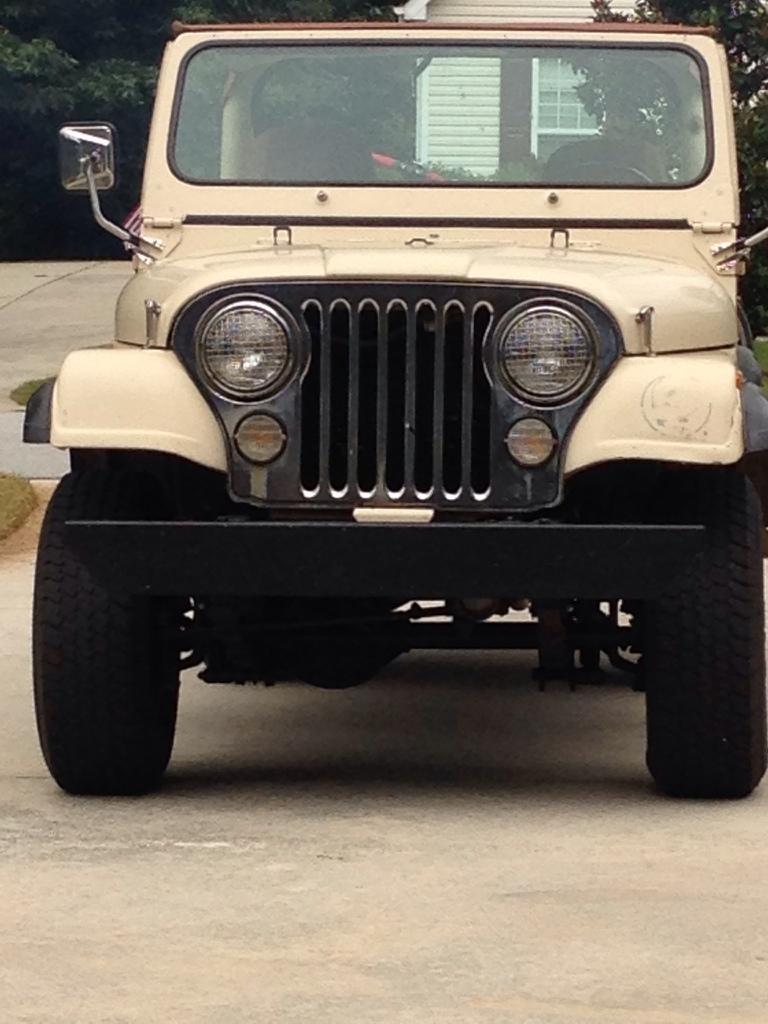
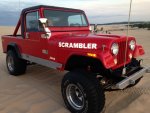
JeepWillis
Basic User
- City
- Austin
- State
- Tx
I can't add pics of my scrambler! Help

- City
- Madison
- State
- AL
JeepWillis
Basic User
- City
- Austin
- State
- Tx
thanks for the tutorial but it doesn't help me out. There is no paperclip in my reply screen and when I click on the "add Image" icon, it doesn't give me an option to choose a file from "my computer". I don't have URLs for my photos because they are on my computer. I want to post photos of my build, i'm using Firefox so this shouldn't be difficult........

- City
- Port Allen
- State
- LA

How's that 304 working for ya? Significant difference from a 4.0 or fuel injected 4.2?

- City
- BROOKLYN
- State
- NY
How's that 304 working for ya? Significant difference from a 4.0 or fuel injected 4.2?
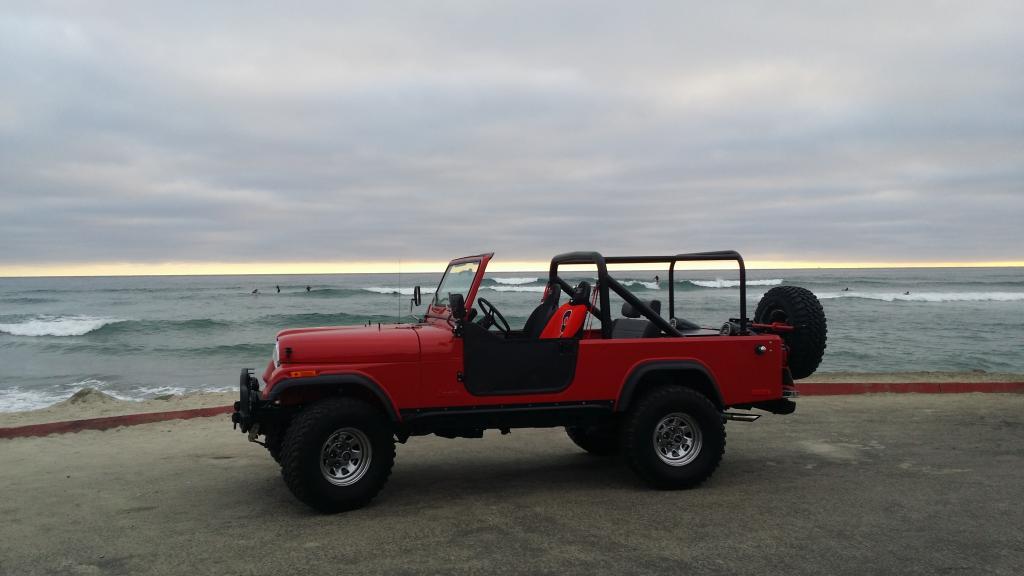
show off

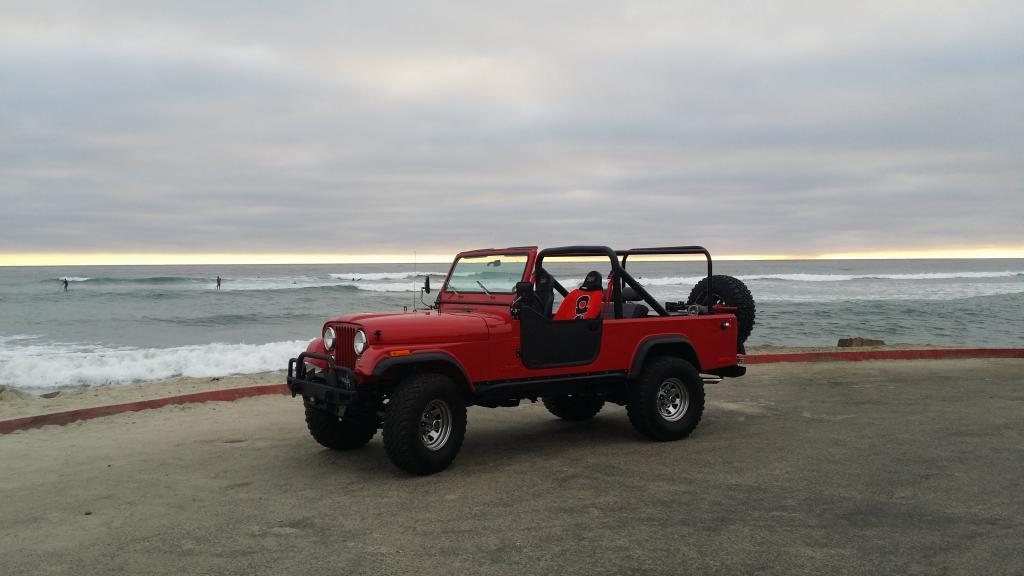
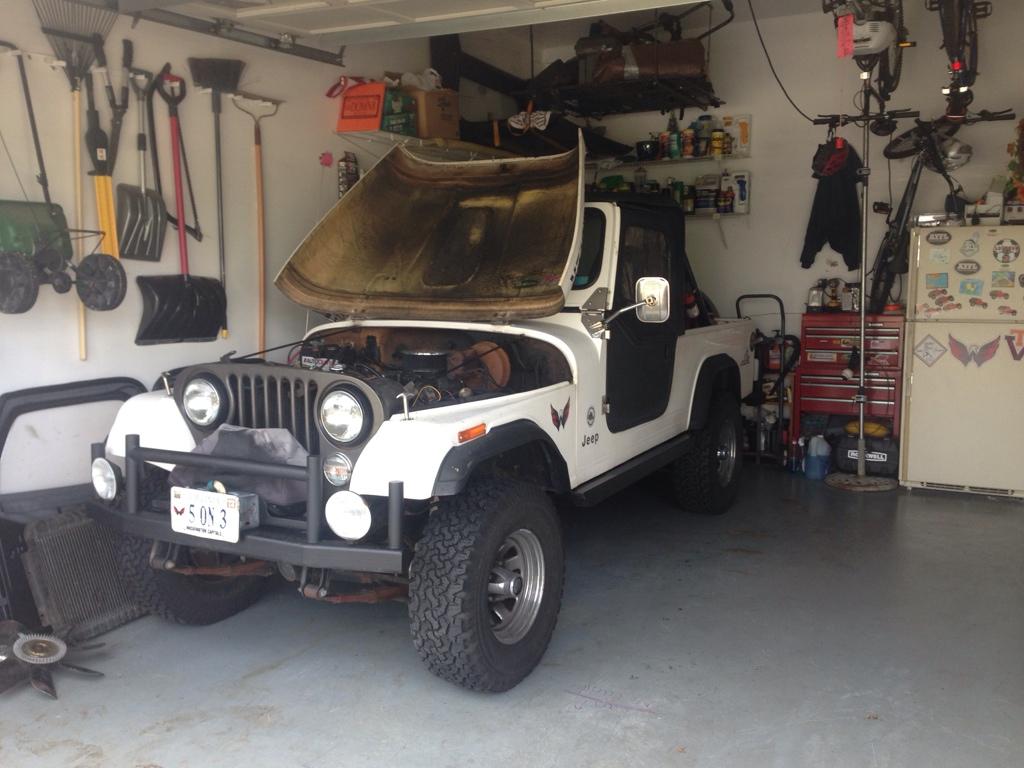
- City
- Landing
- State
- NJ
- City
- Landing
- State
- NJ
1946, 1967, 1979, 1983, 2004
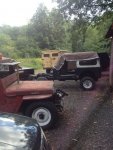
- City
- Landing
- State
- NJ