

You are using an out of date browser. It may not display this or other websites correctly.
You should upgrade or use an alternative browser.
You should upgrade or use an alternative browser.
Test & tease picture
- Thread starter RandyLL
- Start date

RandyLL
1 Long CJ
- City
- Highland
- State
- IL
http://community.webshots.com/scrip...D=377362906&photoID=377402167&security=cojiNS
This works, but I wanted the picture to show up in message.
This works, but I wanted the picture to show up in message.

- City
- Middle of No Where and Too Far From Any Where
- State
- Tn
The Rim
maybe this will help:
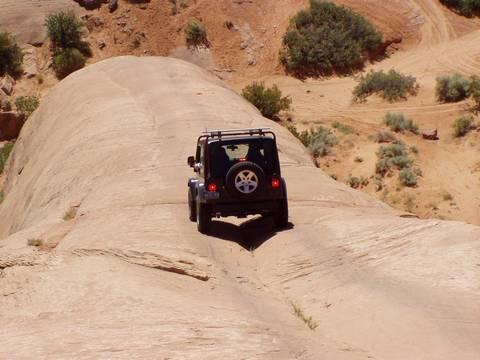

and this is the easy side..........the backside is tough and deadly......no room for errors!
Hummmmmmm.................left side in the middle photo looks possible..........if Scrangler can do it............................
maybe this will help:
and this is the easy side..........the backside is tough and deadly......no room for errors!
Hummmmmmm.................left side in the middle photo looks possible..........if Scrangler can do it............................
Last edited:

matnic
Scrambler-in-Progress
- City
- Rapid City
- State
- MI
is that a for sale sign?!?!

RandyLL: does the sight you have the pics hosted on require any kind of password or membership (free or not) to view pics?
You should be able to post without having a host.
When posting a topic, under "additional options" click on "manage attachments". That should let you add a pic, then it should do something like ask you to browse for the pic, find its location on you computer, then hit "upload".
If that doesn't work, someone else may be able to explain it better than me (I'm not much of a teacher).
Hope to see your pics!

- City
- Snohomish
- State
- WA
RandyLL said:So why won't mine show up like yours?
Because webshots.com sucks big hairy *** nuggets.
Try www.photobucket.com instead. It's free and they allow you to link directly to your pictures and display them on other websites.
matnic
Scrambler-in-Progress
- City
- Rapid City
- State
- MI
Boomer said:Because webshots.com sucks big hairy *** nuggets.
Wow...How do you really feel?!

jpdeuce
Basic User
- City
- Houston
- State
- TX
I recommend www.myonlineimages.com for your online image hosting needs. No, I'm not affiliated with them, I just use it, it's free, and easy. But there are a million others out there.